Current Articles | RSS Feed RSS Feed

10/20 Release: Top Navigation Bar, Languages, Messages, Git

Posted by adam feber on Thu, Oct 20, 2011 @ 01:38 PM
 
Here are some of the new features in today's release.

New Top Bar Navigation

We added a top bar for navigation and eliminated extra tabs from the user/start page. The top bar makes it easier to access your start page, go to spaces, and edit your account. When you log in, you will see the following screen:

New Ui

  1. A "My Start" link on the left side takes you to your start page from anywhere in Assembla. 
  2. Your first three workspaces will be listed on the top bar for easy access. To show your most frequently visited workspaces, go to your start page and drag the circles for those workspaces to the top of the list. 
  3. A dropdown menu is located on the right side, under your name and picture. From this menu, you can access the edit profile page, view your account information, and log out.


Multiple Languages (Beta)

To serve Assembla users in over 100 countries, we have begun translating our tools into multiple languages, starting with Spanish and Russian. This release is a beta test that only includes select tools such as Tickets, Milestones, Support, and Subversion. In following releases, other Assembla tools will have been translated into Spanish and Russian, and we will begin adding support for additional languages.

To update your language preference, go to the Edit Profile page and change the dropdown for Language Preference (see image on right). 

 
language

Messages Tool Improvements

We simplified the Message tool.  The Messages tool should be a place where any team member can easily post a messages without starting a new email thread.  This makes information accessible to more team members.

The revised tool does not have nested threads, which were confusing to navigate.  It has one "conversation" for each top-level topic.

The new tool also has simplified forms for posting messages and comments, and fewer controls.

 messages

More Estimates

You can turn on Estimates in Ticket settings.  If you do, you will see estimate totals on Milestones, and you will see estimates on cards in the cardwall.  Now we have a popup editor on the agile planner.

Git Merge Requests

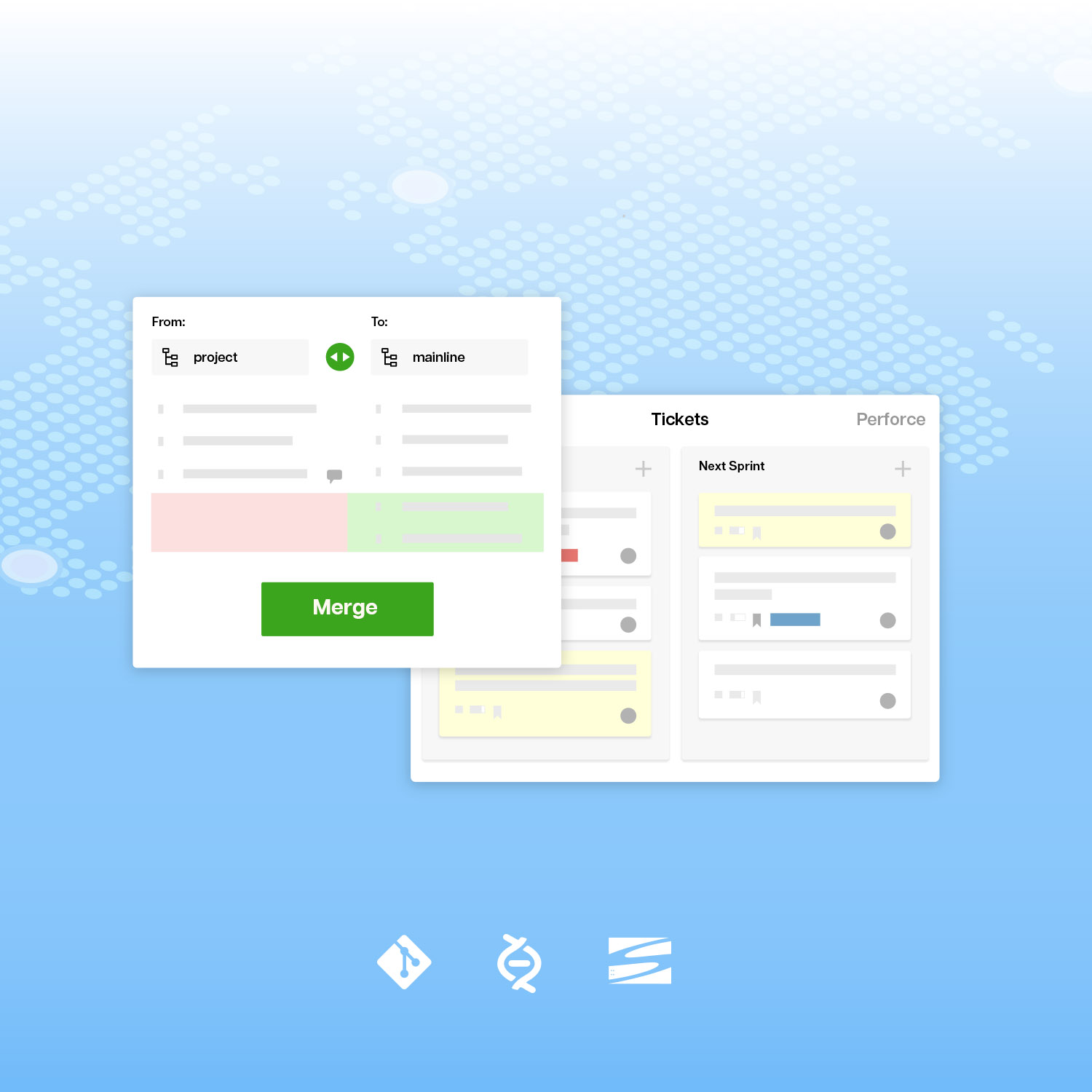
We upgraded git merge requests to better support the classic git workflow where developers submit merge requests to a maintainer.  We will improve this in future releases with better review workflow, including some features that we like from Gerrit.

To send a merge request, select a branch, tag, or revision as the source.  Select a branch as the target.  You can review changesets and write comments.

source target small


When you receive a merge request, and you want it, you can use the instructions to apply it.

merge request index 2 small

Tags: , ,

COMMENTS

Love the new nav bar, but the first 3 workspaces shown include archived projects. Wouldn't it be better to simply show active projects only?

posted @ Thursday, October 20, 2011 1:46 PM by Debbie Rothstein


Debbie: 
Thanks for the comment. You can have your three most frequently used workspaces appear on the navigation bar.  
Go to your start page, click on the circle in front of your most-used workspace, then drag it to the top of the list of workspaces you collaborate with. Drop and drag your next two favorites to the second and third positions in the list. Now those three will appear on the Nav bar.

posted @ Thursday, October 20, 2011 1:54 PM by Jon Friedman


Hi Debbie - So glad you like it. You can rearrange what you see in the top bar by going to your Start page (My Start) and moving the ones you want to see to the top of the list under the Spaces you collaborate with section.

posted @ Thursday, October 20, 2011 1:55 PM by Ginger - Assembla Support


Nice update. Looks fancy too.

posted @ Thursday, October 20, 2011 5:12 PM by Haluk


Debie: John: 
I have about 20 frequently used spaces. In my opinion, pull-down menu would be a better solution. Maybe you could add "More ..." at 4th place, which open the pull-down menu.

posted @ Friday, October 21, 2011 2:56 AM by Vladislav Skoumal


Vladislav, 
 
We had a More menu in our first version. We disabled it for now based on some experience tests. However, we might added it back after we collect some data and comments from production usage

posted @ Friday, October 21, 2011 6:05 AM by Sergio


Looks fancy and nice. good. rudraksha

posted @ Monday, October 24, 2011 6:31 AM by rudraksha


I like the new Top Bar Navigation

posted @ Wednesday, November 16, 2011 1:34 PM by Roberto Alarcon


I love the new bar too! 
 
But I would definitely like it better if I was able to navigate through ALL my active workspaces. 

posted @ Friday, November 18, 2011 10:55 AM by Max


Comments have been closed for this article.

Follow Assembla

twitter facebook youtube linkedin googleplus

Subscribe by Email

Your email: