Current Articles | RSS Feed RSS Feed

Feb 16th release - Fork for Svn and Git, Performance, Skype, Agile Planner

Posted by Andy Singleton on Tue, Feb 16, 2010 @ 08:28 AM
 

Today's release contains some significant new (beta) features, changes to the underlying server infrastructure to improve performance and reliability, and more than 200 small fixes and enhancements.

Fork and Merge for Git and Subversion

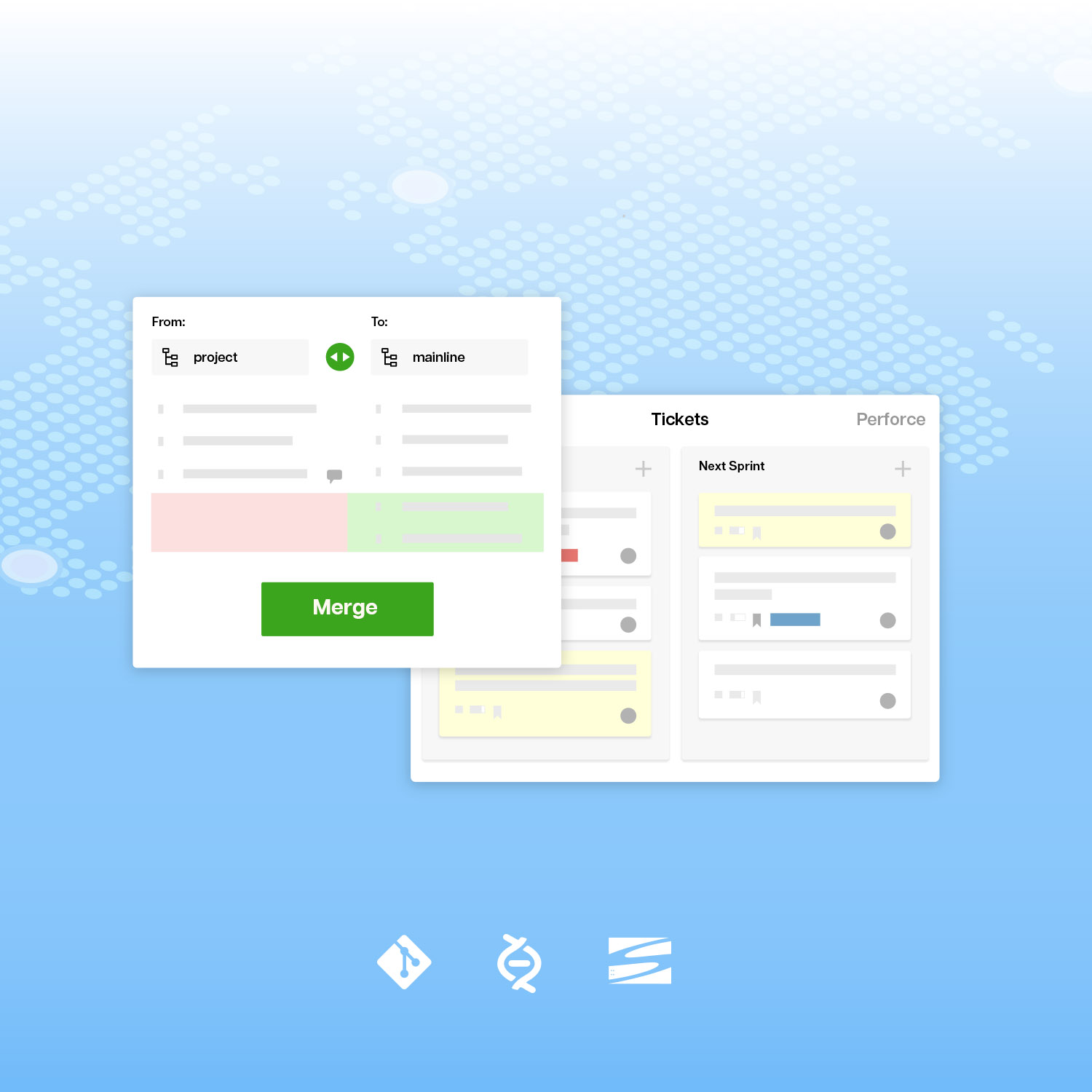
In traditional centralized version management, you select a team of people with "commit privileges" in your repository. These people are entrusted with not breaking the build, and only they can contribute code.  A fork and merge workflow blasts through the barrier of commit privileges.  "Contributors" can come along and fork (copy) the code, work on it in their own space, and submit merge requests to the "maintainer" of the original repository.  It greatly expands the number of contributors for open source projects.  It's also good for trying out new people on a team, or for maintaining private, customized copies of an app that tracks a source app.

You will see a "fork" subtab on your Source/Svn and Source/Git tools.  If you go to that tab, you can do the following:

  • Bang on a "Fork" button to make a copy of the repository, in a new space that is stripped down to just hold code.
  • Submit a merge request from the forked child to the parent, recommending that the parent accept a change.  This shows as a Stream event.
  • Browse the merge requests from child forks and act on them.
  • Update the forked repository with changes from the parent

Fork and merge is an innovation out of the open source world.  I think (correct me if I am wrong) it started with Launchpad, and their support of branches in Bazaar.  Git support came from Gitorious and then Github, which has built an amazing "social coding" community.

We're supporting git with a workflow that is similar to Github and Gitorious.  As usual, our version is a little less friendly to individuals sharing code, and hopefully a little more friendly and feature rich for managed teams.  If you know git, the workflow is simple, because git was specifically designed for the fork and merge workflow (actually, clone - pull - merge) and it does most of the work.

What is actually new is fork and merge for subversion.  No one has attempted it before now.

Subversion doesn't suck, and it is very popular, but it was not designed for repeated merges between collaborators.  If the child fork merges changes from the parent, and then sends changes back, it creates duplicates.  So, we designed a simplified workflow that prevents the multiple merge problem, and fits the way that Subversion users actually work.  I'll post a full blog article on this subject, and you can comment there.

This is a first beta release.  Be aware that it probably won't work correctly in all cases, and it might not even work the way that you expect.  Let us know what you think.  We will look at the comments, and put fixes and design improvements into the next release.

Fork creates extra repository spaces.  They are created with just a Source tool for code, but you can add more tools later.  If you run a public project, those extra spaces are free.  If you use private subscriber spaces, for which we worship you, they get added to your subscription.  In the next release, we will make packaging changes so these extra spaces will be free for many of our subscribers.

Agile planner

The Agile planner was a great way to add and organize Tickets, except for the fact that it was SO SLOW adding tickets.  Even I avoided it for that reason.  We did a complete AJAX rewrite with Yahoo's YUI API and optimized our database queries.  Now it is fast and fun.  It's also got some happy new colors.

We did not add any features.  The goal was to make the agile planner fast and fun.  Now that everything is in client-side javascript objects, we can use those objects in future releases for features like a tree view, backlog->milestone dragger, Scrum sprint planner, card wall, etc.

New Skype tool
I asked a roomful of globalized developers "who uses skype?", and everyone raised a hand. Skype rocks, and the most useful part is the chat conferences. You can keep a conference for the team, watch for the orange flash, and search old messages for key information. However, it's a pain to hunt around your skype contacts and invite everyone. So, we built the Skype tool to make it easy to launch Skype chats with your team members. Just click off the colleagues you want, and start. It's super-simple functionality, almost brain-dead, but useful. And, it leads the way for more intensive integration with collaboration tools like Google Wave.

To try it, just go to the Admin tab in a space that you own and add the Skype tool.  The Skype tool will prompt team members to enter their Skype ID's as an IM option, if they haven't done it.  There is one issue, which is that Skype doesn't seem to show us the correct online status in their Web buttons, but don't let that deter you.

Moved job hunting information off the site

Apparently we were banned from Accenture because they don't want us to recruit their team members. Don't worry, we won't.  We removed the "Skills" tab from the user profile, and the Community/Talent list.  We are still interested in getting developers into distributed agile teams, but we will work on this off-site, with partners.

From the fix list

  • Ongoing speed improvements in Tickets
  • Ajax loading of slow git changeset views
  • Redesigned ticket comments.  The actions are easier to read, and each action and comment includes a user thumbnail.  So, upload your picture.
  • New version of the WYSIWIG editor.  Now, you can paste.  Praise be to the higher powers for this improvement in my quality of life.
  • FTP tool will more accurately report errors if it can't connect
  • Suppress automated "I'm away" responses in the handling of email messages to tickets.
Infrastructure Improvements

Thanks for letting us take the servers offline.  We took advantage of the time to put in some architectural changes that we believe will increase speed and reliability, as listed in this previous blog post.

URL change from code.assembla.com to www.assembla.com/code

In the last release, when you clicked on a Source/Svn or Source/git tab to look at a repository, your URL changed to "code.assembla.com", which means you were using a different app, even if the tab bar looked the same.  Now the code handling application is merged with the main app, and we have improved the architecture for distributing requests to the repository servers.  The URL's are rewritten from code.assembla.com to www.assembla.com/code.

"Server" tool is now "Build" tool

We renamed the Server tool tab to "Build".  This is a tool that you can configure to trigger builds for continuous integration.  We also simplifed the call structure so that it is easier to use it with your own CGI scripts.  This will make it simpler for new users.  Please notify us if you have issues with existing builds.

Upgrade yourself

We recommend that you go to your user profile and upload a thumbnail picture of yourself or your avatar at the bottom of the form.  We are using your picture in more places, including ticket comments.  We also recommend that you add a skype ID (in the IM fields), and set permission to "teammates" so that you can chat with them and use the new Skype tool.  Be sure to set your time zone correctly.  Check your public profile at www.assembla.com/profile/username.

Tags: , , , ,

COMMENTS

Excellent direction, especially with speeding up the Agile Planner! A bit disappointed that Mercurial still doesn't integrate with Assembla's vastly superior source viewer, but there's always next update. ;) 
 
How soon do these changes make it to the private Assembla VM?

posted @ Tuesday, February 16, 2010 9:35 AM by djones


Why is the Subversion export function changed? Dump files are no longer zipped. The dump file names no longer contain the Space name, which is very inconvenient if you have more than one space. And the page shows a message saying you have to return in a few minutes, even though the dump file is ready for download.

posted @ Friday, February 19, 2010 1:07 AM by Peter


Comments have been closed for this article.

Follow Assembla

twitter facebook youtube linkedin googleplus

Subscribe by Email

Your email: