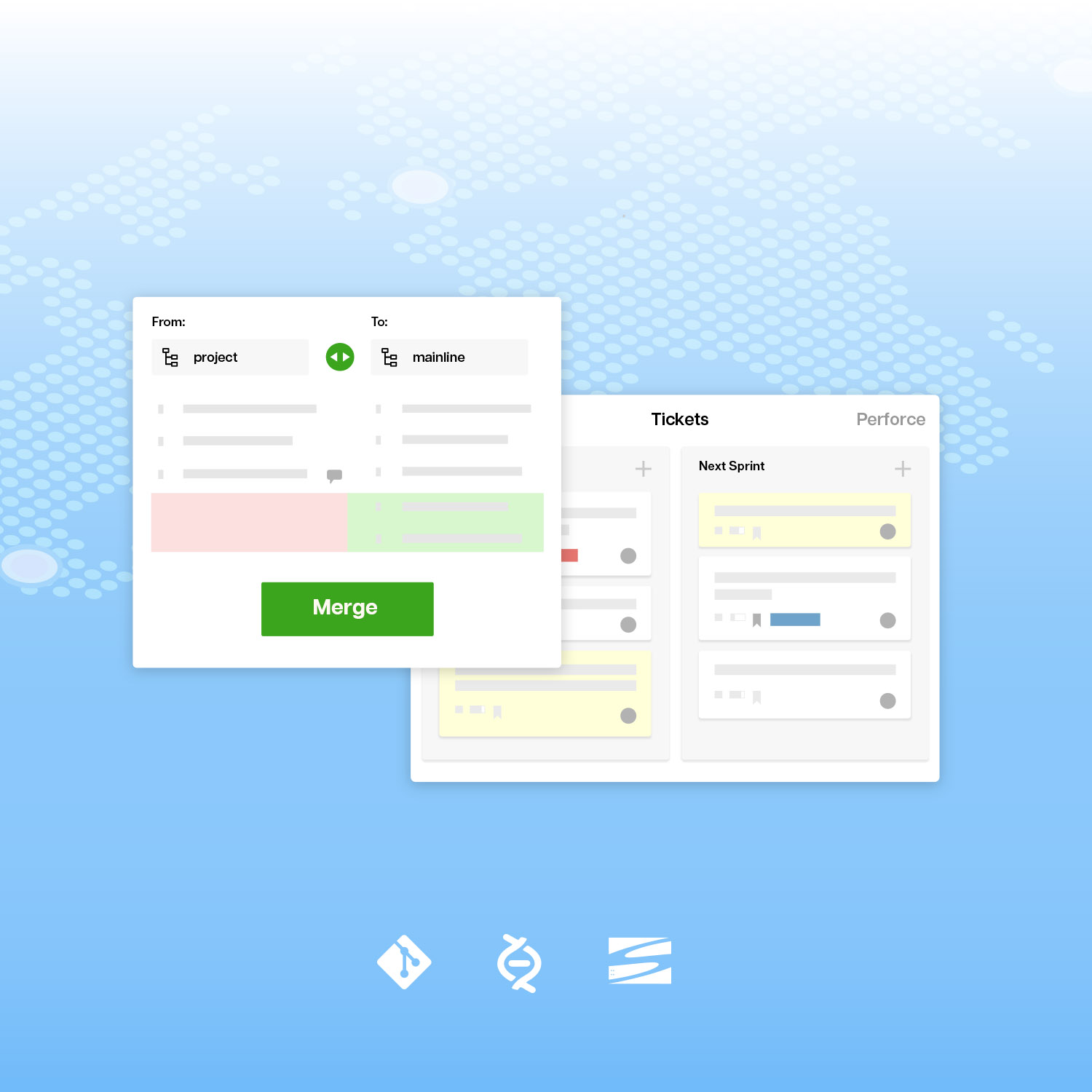
Here are answers to questions posed during the lively question and answer period of the webinar Scrum, Kanban and Scalable Agile, in no special order.
Here is a video recording of the webinar.
Q: Is the cardwall (Assembla) view the same as kanban?
A: Kanban is a work process that involves trying to move a task as quickly as possible through various stages, for example, design, development and test. The “Kanban board” is a bulletin board where you can see tasks represented as cards in status columns. “Kanban” is Japanese for, approximately, “card display.” The Assembla cardwall is a view of Assembla tickets, represented as cards, arranged into columns for each status. You can use it as a Kanban board or Scrum board.
Q: Are pull requests part of the "Issue Tracking/Ticketing" feature?
A: Merge Requests are part of the git repository feature (Source/git tool in Assembla).
Q: When will the backlog planner be available in production?
A: The Simple Planner will be available in about four weeks – the second week in April. We will need another three weeks after that to finish Backlog planner.
Q: When will the features Andy demonstrated be made available to Private Install users?
A: Advanced merge request will be available in the Private Install the first week in April. Simple Planner will be available by the end of April. For those who haven’t heard about it before, Private Install is a version of Assembla that can be installed in your data center.
Q: is it possible to have a "standard" milestone, with x amount of tickets, if you have a standard flow you use several times a year?
A: We have received this request before. I think that the idea is to basically copy a template milestone, so that you get a prepared list of tasks. There is no simple way to do this now in the Assembla Tickets feature. We will add a cut and paste feature that will make this easier. In the current system, you can make a project Space that contains prepared milestones and tickets, and copy that. You can do it with the “template” type in a portfolio, or with “Copy this space” in the footer of any space.
Q: Andy, what was the development language in the project you mentioned?
A: We mentioned the Assembla.com development project. We use Ruby on Rails, combined with various other components (message queue, hacks for git and subversion, etc.)
Q: Are there any plans to release an aggregated planner for Assembla Portfolio?
A: Yes. This is an important design project. We call it the “Multi-team” dashboard, because it will help many teams work on one project. I am going to invite people to join us in this design process, and I hope this will also be a forum where people can share ideas about Scalable Agile. If you are interested, please email us at scalable_agile (at) assembla.com.
Q: For some systems with complicated dependencies, it is hard to split code into pieces that can build independently. How can this be solved?
A: At the code level, I think that you just have to distribute all of the code, and let each person work on his piece. They will be building the same code, but independently. Sharing is scaling. If you share the code, people can figure out for themselves how to fix problems or get in touch with other component specialist, and route around problems. At the level of a cloud system, you often have separate servers. Then you have a more complicated job if you want to give people a place to test their stuff with everyone else’s components. I personally think that the miracle of on-demand cloud systems often makes it possible to give each feature team a sandbox with many of the components. They should be as independently powerful as possible, to remove constraints.
In both cases, I like the idea that each developer or team is going to pull changes from the current release, and test the current release with their changes. This is in contrast to a system where they all push changes to a central build. You can often block people if they are waiting for centralized test resources.
Q: In Assembla workflow, is it possible to manage teams backlog? There is the global project backlog feature, but what about if you have specialized teams and want to assign a specific ticket to a specific team?
A: In the Assembla.com development project we added a custom field for “Feature team” so that we can assign a ticket to a team, and we can use filters to see tickets for a team in the List or Cardwall views. We are going to carry this idea into the Backlog sorter, where you will be able to select the same filtered view (for example, just team X) and sort that smaller list.
Q: Will Assembla support pure Scrum in the near future? If not, why not? :) Why are there story points for subtasks – do these make the burn-down inaccurate? Regarding the average velocity calculation / chart – are there any plans to add that to Assembla in the near future?
I believe that the most important think that Scrum teams use that Assembla lacks is the Story/subtask breakdown. We support this in the “Outline” view, and with child tasks, but not in the other views. We will add this to the Simple Planner in a second release, so that you can plan with stories, and then expand them with a list of subtasks when they move into the Current work bin.
We let you enter points on stories or subtasks. You will need a policy to use one or the other, because they will add together. If your policy is to enter zero points on subtasks, then your story estimate will be useful.
Yes, the Simple planner will include an average velocity calculation and chart, with the four week trailing average used to set the capacity default. With these adjustments, Simple Planner will match the traditional Scrum process.
Q: Any plans for plugins for IDEs such as VS, Netbeans, Eclipse, etc?
A: Assembla has a MyLyn plugin for Eclipse that is actively maintained by a contributor named Brett Smith. Thanks, Brett. We do not have any plans to support Netbeans and Visual Studio, but we will work with and subsidize contributors who want to work on those.
Q: What kind of predictability do you have around when a feature will be released?
With our process, I find that I can predict about six weeks in advance. So, the release date is fuzzy until we are within six weeks of release. I hypothesize that you can increase this time horizon if you work on bigger features, and if you have slack or are not going as fast as possible. There is obviously a direct tradeoff between how hard you are driving and how much predictability you get, and I am willing to trade away predictability and just focus on top priorities. There are people who are much better at tracking velocity and improving estimates. Those people will have a useful tool in the Simple Planner. It encourages you to enter an estimate in points on every ticket, it tracks historical velocity, and it uses that to put bars into the sorted backlog that show the estimated release date at various points down the backlog.
Q: About scaling for multiple teams. How does the new planner support multiple team development? We use one backlog, but we need to follow-up each team’s contribution during a Sprint.
I have three suggestions for you. First, we are using YOUR idea of feature teams as a filter, and giving you a way to filter the backlog sorter and cardwall view for each team in a space. Second, the Advanced Merge Request will help you merge code from different teams. Third, we are building a new “Multi-team” planner in the Portfolio. This has four basic functions. It helps you set a milestone for all of the related spaces/teams working on a project. It reports on all of the tasks in that milestone. It helps you move tasks between the spaces for different teams. It will show dependency relationships between tasks, and between tasks for different teams, so that you can see, for example, if one team is waiting for something that is not in the Current iteration for a different team. I want to involve you in the design process for this feature.
Q: Do you know a good starting point for git? We are currently using svn.
A: Git does require some training. It has more commands and is conceptually different from Subversion. We recently posted a tutorial about setting up git for Windows – a common question. I will look for a more comprehensive list of tutorials.
Q: When will Assembla support enforced/defined WIP limits?
A: In the Simple Planner we give you a convenient place to estimate work amount (a prerequisite for WIP limits) and we enforce a WIP limit for the Current iteration or bin. As soon as that is released we will add capacity settings to the cardwall columns (status values). This will not enforce a limit, but it will show an alert on the column when you are over the limit.
Q: In the examples you have shown, stories do not split into tasks. Would not be easier to maintain a product backlog with higher level stories, which are divided into tasks when enter into production?
A: Yes. That will be in a second release.
Q: Has Agile or Kanban helped you deal with developers incorrectly trying to fulfill their role rather than trying to help the product? I.e., a code manager looks for ways to spend 20 hours doing code management so he can get paid when only 3 hours of code management is necessary in that particular week and 17 hours could have been spent in more constructive "helping build the story" ways.
A: We use a simple online standup form to find out what people are working on, and we look for cases where a person is not working on the things that we think are important. Ideally, we can encourage everyone to work on the most important stuff each day. We think this works better if our project leader is a “tech lead” and knows the details, rather than a less technical scrum master or project manager. The process should go around obstacles, such as people who don’t want to participate in the methodology or people who are not strong contributors for other reasons. In the future I would like to do some sort of “gamified” contribution board, so that people can see how they are doing. That might encourage people to work on tasks that we think are valuable.
Q: What do you recommend for a small team that does development as well as production support? What's the best practice to accommodate the workload? Currently we do not use a Kanban or scrum tool. We have Issue Tracker and mostly issues that we have to resolve quickly. For development we have project work. This can be new features, enhancement, existing, bug fixes.
A: At Assembla, we keep a ticket list only for support cases. However, if these require a response from the developers, we mix support issues into the ticket list for our development project. We’re using the Toyota Jidoka / Lean idea of “Stop the line” when we run into an important problem. We have a separate milestone called “Fix Today.” If something goes into that milestone, we stop and fix it. If the issue is less urgent, then we just put it into the Current work bin with the other tasks, at an appropriate priority level. Our system will show “high” priority tasks on top of the stack in most views. I personally don’t think that there is a big difference at the task level between customer problems, bug fixes, enhancements, and new features.